Recording into OBS from Ebosuite worked great thru the eVideoSend plugin.
I’m now looking for a way to record the Sensei window. I know it’s possible with a HDMI recorder. But I’m wondering if it can also be done in the box?
Yes, we are still working on that! It is on top of our list.
A HDMI recorder is the best solution I think, but here are some alternatives:
An other SenSei user, Thomas, did it this way (see quote below). I havent tried this solution, but maybe it works for you?
Thomas: “I was able to send my sensei stream to my monitor screen via HDMI and then capture the extended screen in obs via the display capture. Problem solved!”
But in my experience using Quicktime player to do screen recordings works well too . You’ll have to be careful with retina screens and make sure you make the output window big enough, otherwise Unreal will activate all kinds of optimalizations for smaller screens (and turn off depth of field for example).
Unreal performs best in full screen mode, so I usually record 1920x1080 full screen.
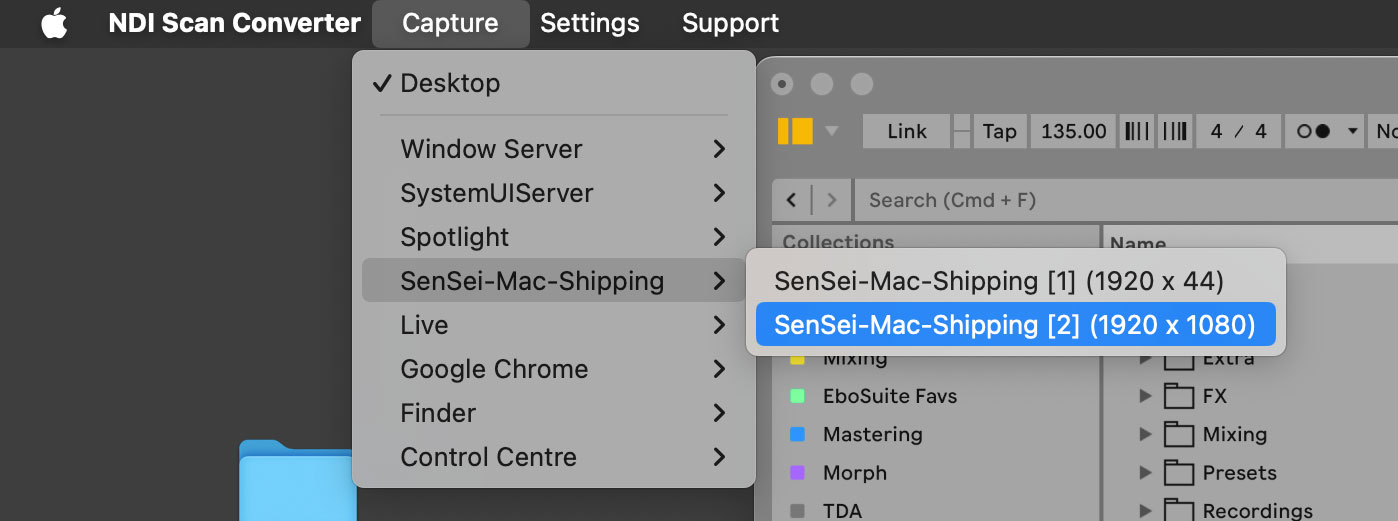
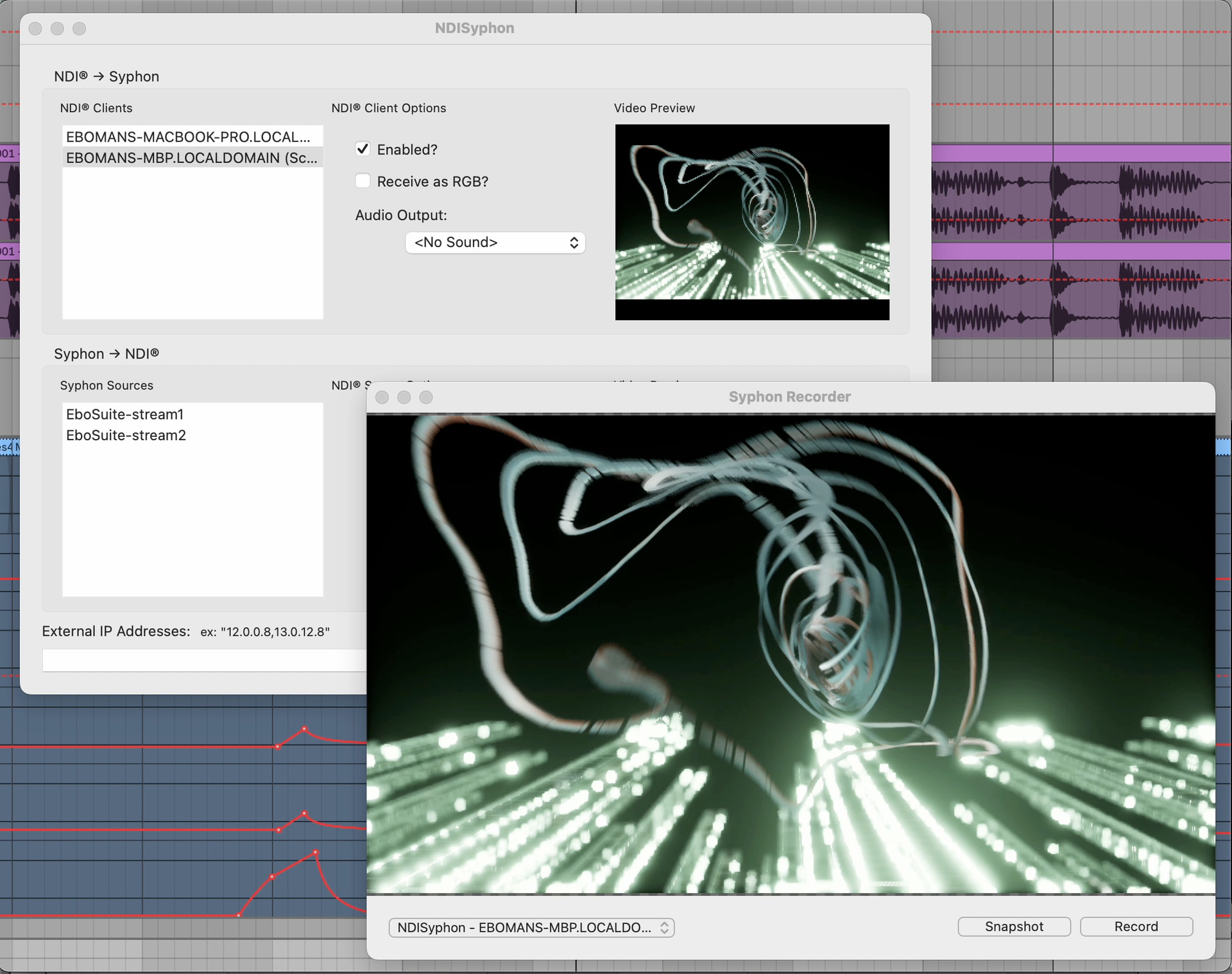
 . You’ll have to be careful with retina screens and make sure you make the output window big enough, otherwise Unreal will activate all kinds of optimalizations for smaller screens (and turn off depth of field for example).